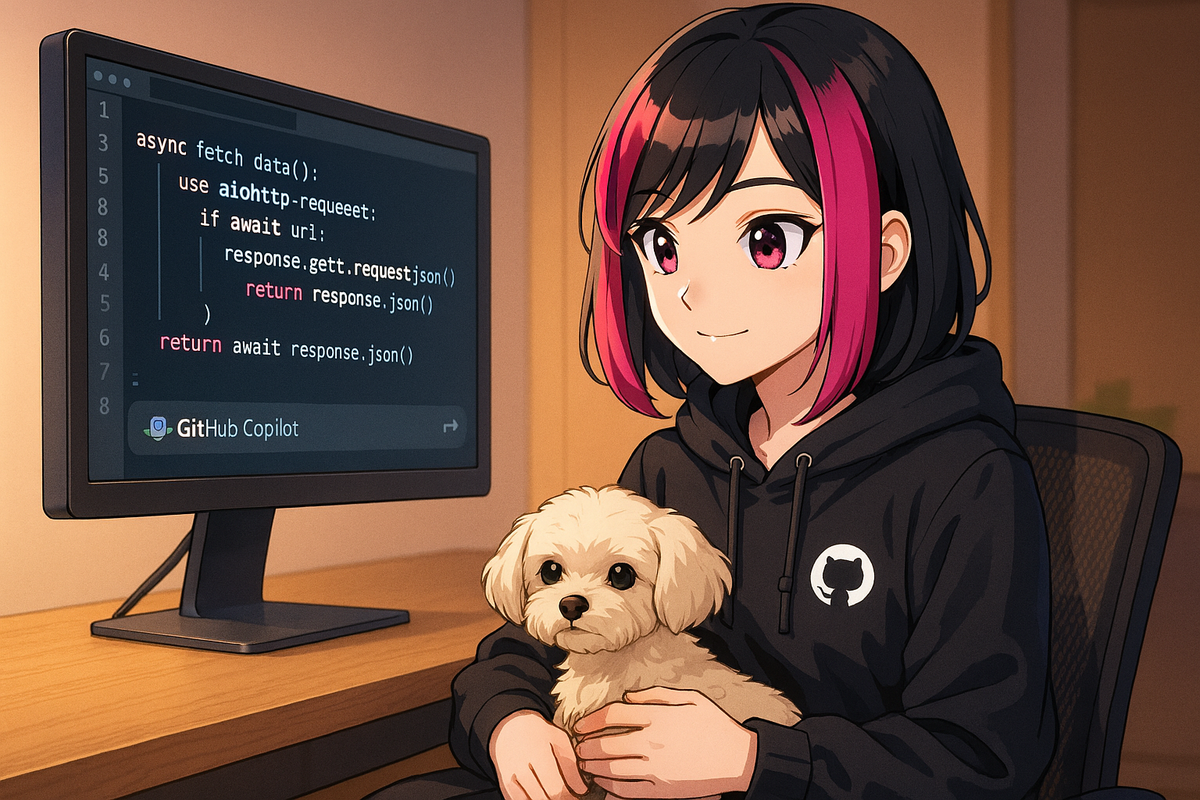
Consistent Code with GitHub Copilot
One thing I didn't expect from GitHub Copilot is how it helps me stay consistent with my coding style - even across different projects. When I pick up a legacy module or switch to a new framework, Copilot is right there suggesting variable names, formatting, and idioms that match the existing code.
Style Consistency Across Projects
Copilot reads your workspace history to match your style and can surface fixes for edge cases buried in its vast training data. It's particularly helpful when you're switching between different codebases with different conventions.
Catching Edge Cases
But it's even more useful when tackling those tricky edge cases - error handling, validation scenarios, or tricky conditional logic. Copilot often reminds me to check for things I'd overlook, preventing future headaches in production.
Key Benefits
- Variable Naming: Suggests names that match your codebase conventions
- Formatting Consistency: Aligns with existing project style automatically
- Error Handling: Prompts for edge case handling and validation
- Idioms and Patterns: Suggests framework-specific best practices
Real-World Impact
Sometimes Copilot even surfaces fixes for edge cases that you hadn't anticipated - patterns it found from its vast training data that are relevant to your specific problem. This can prevent subtle bugs before they reach production.
Share Your Experience
I'm curious: who else relies on Copilot to spot edge cases, or keep their codebase stylistically unified? Any favorite Copilot moments where it saved you tedious clean-up or helped you catch a subtle issue?
Learn More
Explore more about GitHub Copilot Use Cases and leveraging AI for better code quality.
Code Consistency GitHub Copilot Tools